Install the analytics script with Google Tag Manager
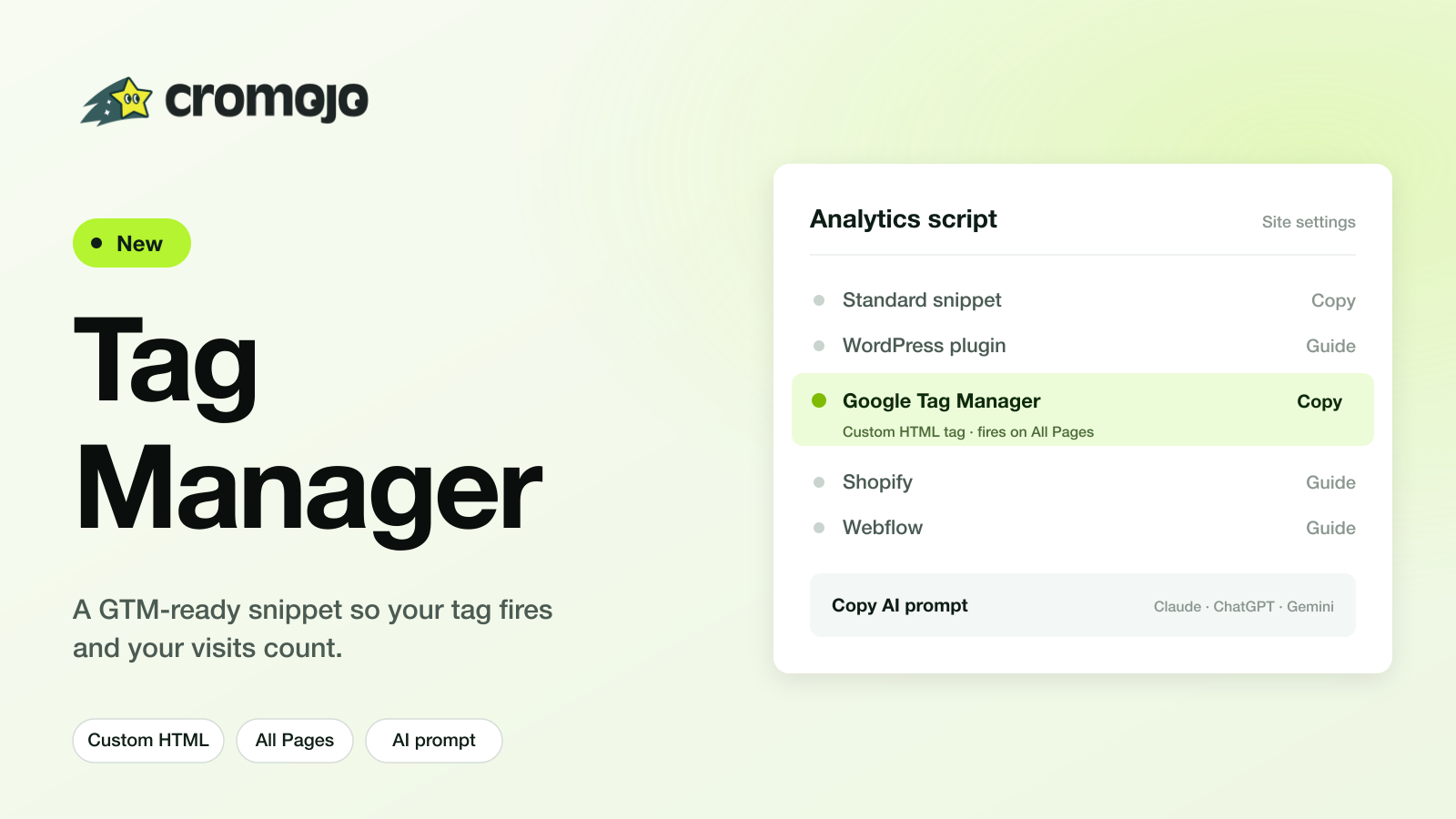
You can now install the Cromojo tracking script through Google Tag Manager.
Why this needed a dedicated option: GTM strips the custom attributes our standard snippet relies on, so the tag could fire in GTM while no visits were actually recorded on your dashboard. The GTM-specific version sets those attributes from code, so visits track correctly.
How to use it:
Turn on the "I use Google Tag Manager" switch in Settings → Analytics, in the onboarding Tracking script step, or on the dashboard install screen.
The Copy AI prompt button now writes Tag Manager instructions (Custom HTML tag, fires on All Pages) instead of asking you to paste into the page head.
Full step-by-step is in the help center.
The CROMOJO team