Session Replay: watch real visits, see where people click
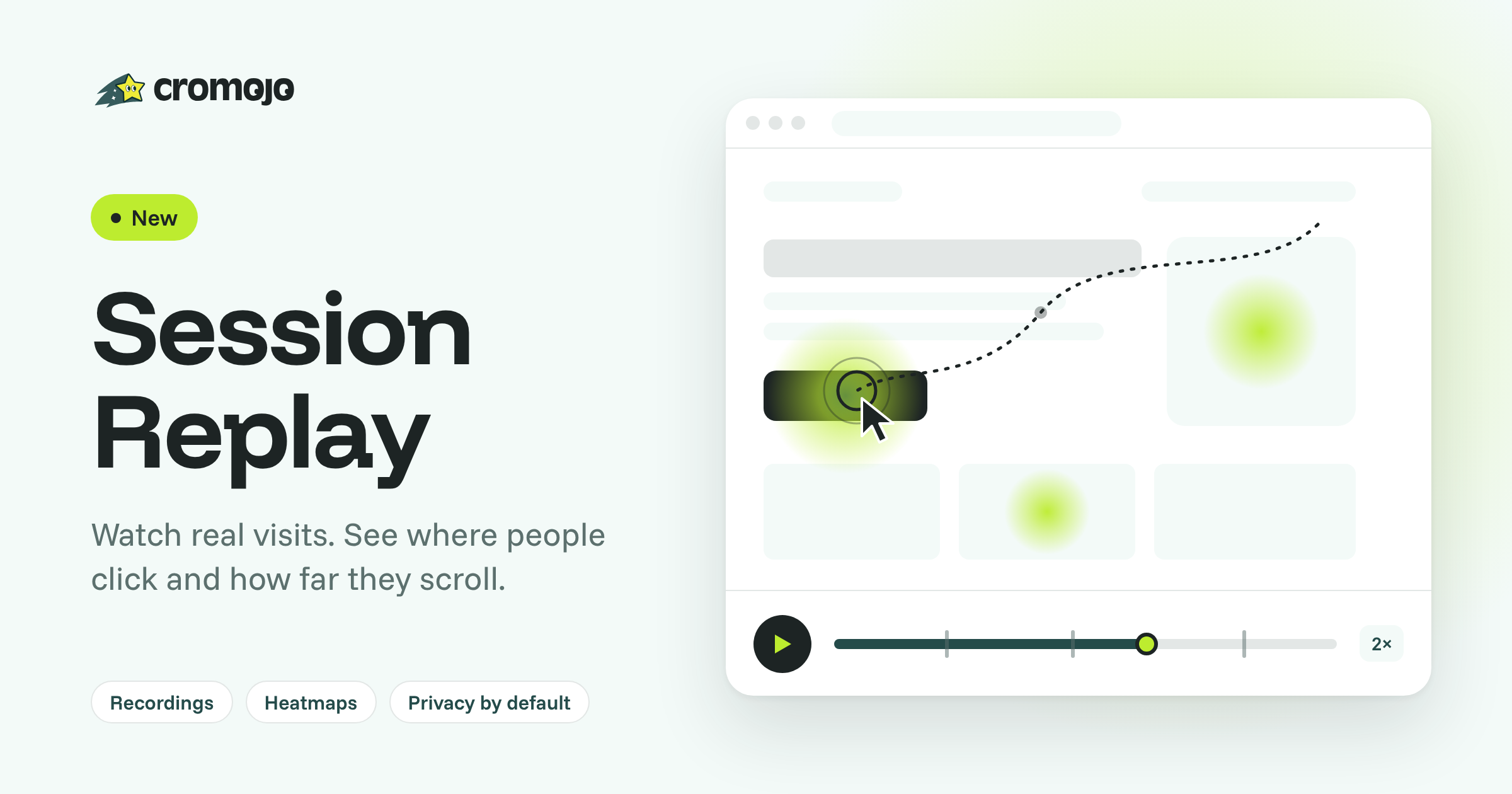
Your numbers tell you a page underperforms. The new Session Replay shows you why: watch recorded visits to your website and see where people click and how far they scroll.
What you get:
Recordings: play back any visit with mouse movement, clicks, scrolling and page changes. Pause, scrub and speed up.
Filters that answer real questions: find visits by page, traffic source, UTM, device or country, and by behaviour: rage clicks, U-turns, JavaScript errors, scroll depth, goals completed or visits that converted.
Heatmaps: a click map and a scroll map for any page, on desktop or mobile, built from your recorded visits.
Privacy by default: every form field and any text that looks personal is masked in the visitor's browser before anything is sent to us. You can make masking stricter, exclude pages, record a share of visits, or record only after consent. No cookies.
Turn it on in Settings → Analytics → Session Replay with the Record visits switch. Session Replay and Heatmaps then appear in your Web Analytics menu. Nothing to add to your website: it runs from the tracking script you already have.
Included from Starter: 1,000 recordings a month on Starter, 5,000 on Pro, 20,000 on Business and 100,000 on Agency, kept 14, 30, 60 and 90 days respectively.
Read the full guide: Session Replay and Heatmaps
The CROMOJO team